How the app will work
The app rings your clients like a phone call, and answering takes them to a page that holds them accountable, in your voice. Below is every feature in the client app and your dashboard, with a short note on how we plan to build each one.
The four core features
Every feature starts the same way: the phone rings with your name and photo. What happens after they answer is different for each.
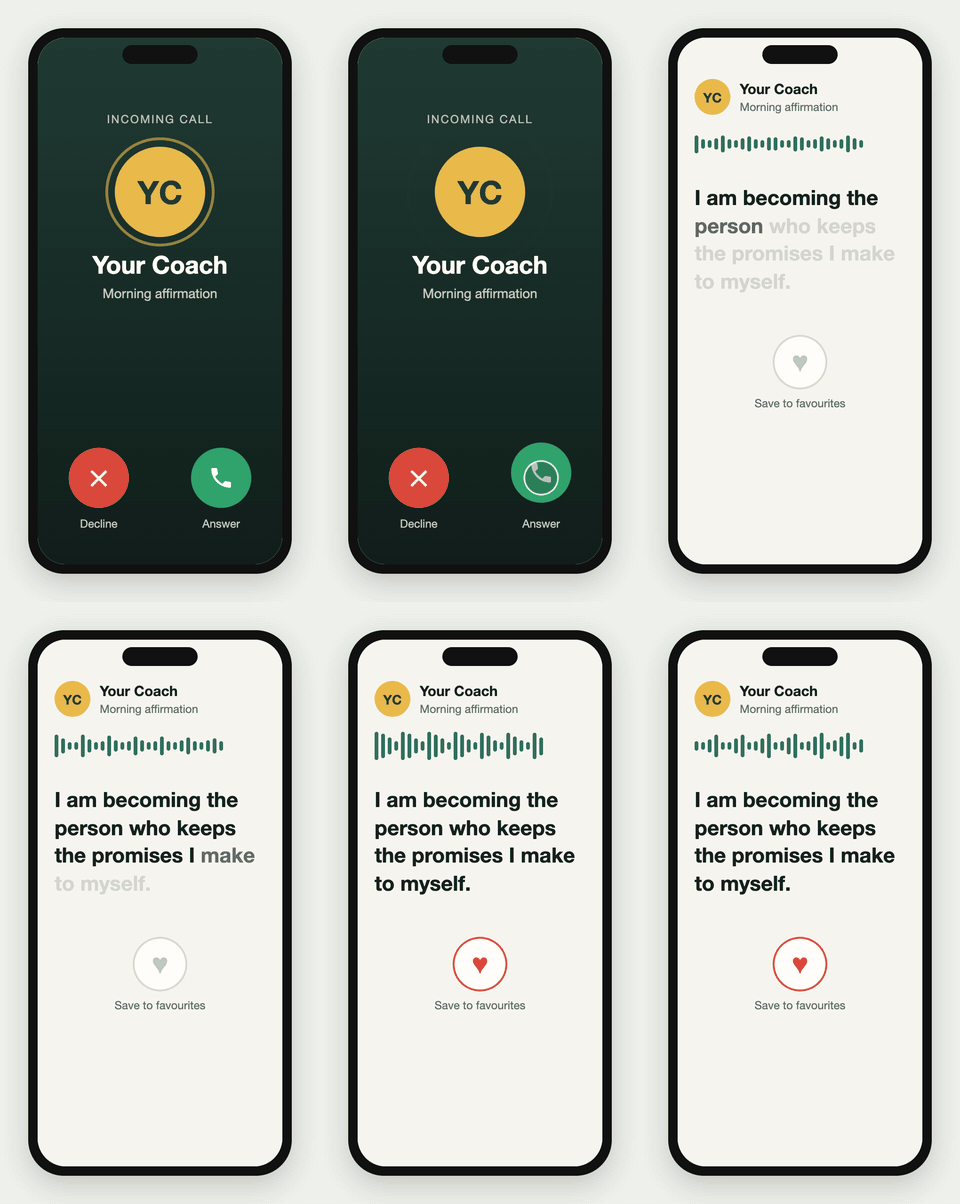
Your voice plays, the words show on screen. They listen and tap a heart.
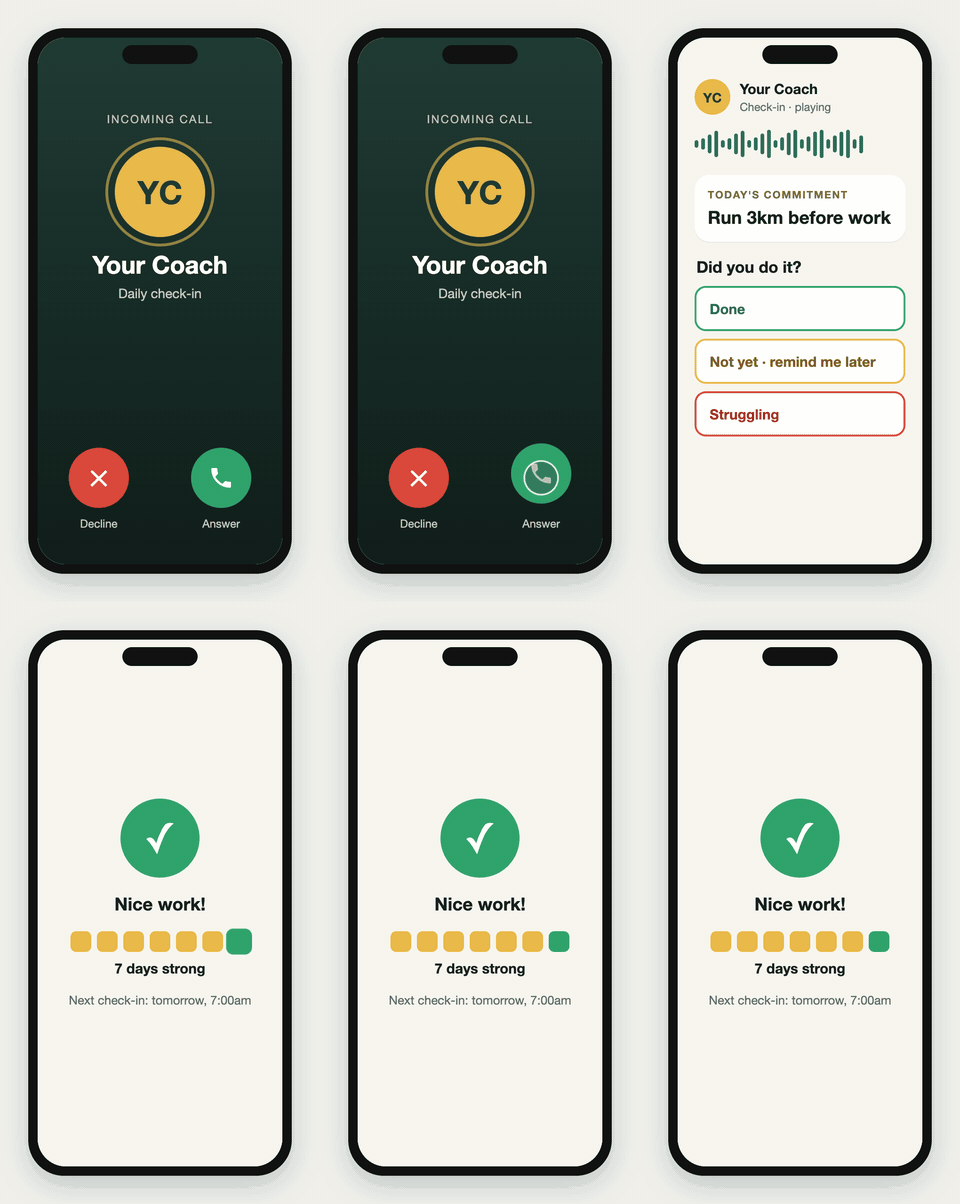
The accountability page opens. They tap Done, Not yet or Struggling.
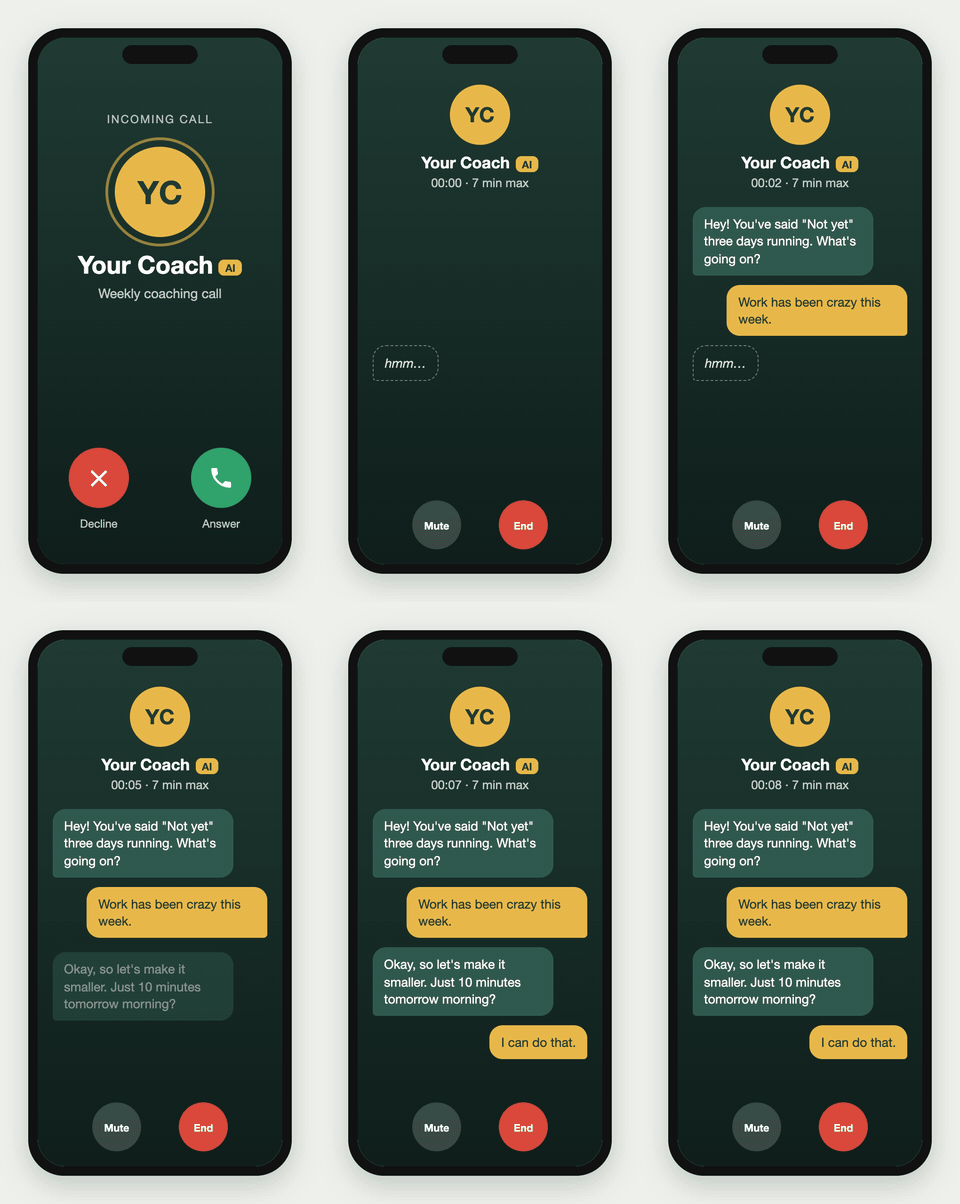
A live conversation with an AI version of your voice, up to 7 min max.
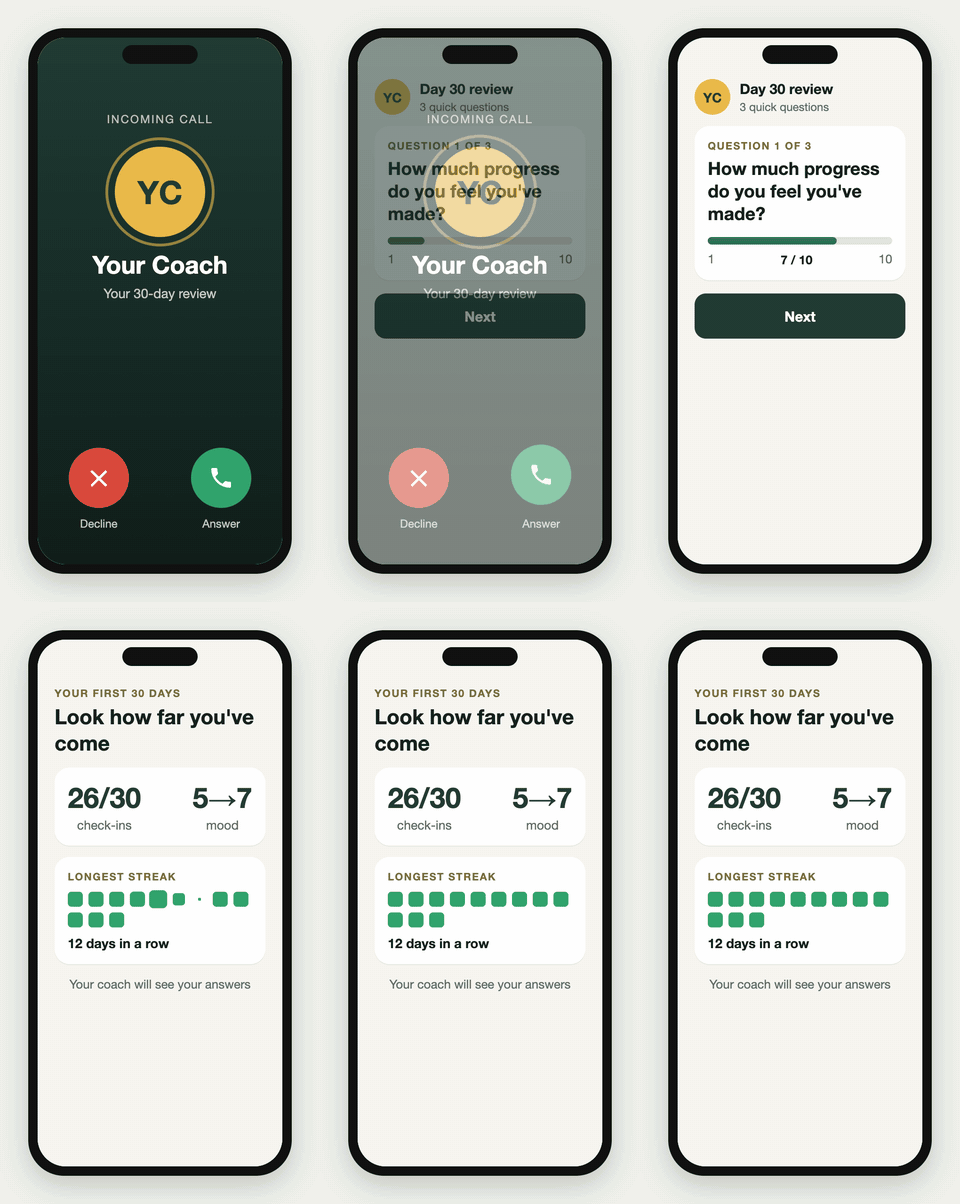
A short review of their progress: 3 to 5 reflection questions.
Client app
What your clients see on their phone. Android rings like a real call. iPhone gets a notification that opens the same pages.
1The ring
- Full-screen incoming call with your name and photo, even when the phone is locked.
- Plays a ringtone for up to 45 seconds, then counts as missed.
- Never rings during the client's quiet hours.
2Affirmation player
- Your voice plays, the words appear on screen as it speaks.
- One tap to heart it; hearted ones can be replayed any time.
- Made from text you write, spoken in your cloned voice, so 30 affirmations take an evening, not a studio day.
3Accountability page (check-ins)
- Shows today's commitment from the client's plan (see My plan), for example "Run 3km before work".
- Three buttons: Done, Not yet, Struggling.
- Not yet offers "Remind me in 30 min, 1 hour, or tonight", and the app rings again.
- Struggling asks one short question or takes a 10-second voice note for you.
4AI coach call
- A live conversation with the AI version of you (the coach), clearly labelled as AI.
- Knows their goal, streak and recent check-ins, so it can say "You've said Not yet three days running. What's going on?"
- Ends at 7 minutes max. Short "hmm" and "right" sounds in your voice cover network lag.
5Milestone review
- At day 7, 30 and 90, a short review: what's changed, what's been hardest, progress from 1 to 10.
- Ends with a progress card, for example "26 of 30 check-ins, mood up from 5 to 7".
6Missed calls and call back
- After a missed ring, the app retries 2 to 3 times (15 min, then 1 hour).
- After that it shows "Missed call from Coach" with a Call back button, so they can catch up when free.
7Streak and next check-in
- Home screen shows their streak ("6 days strong") and when you'll ring next.
8Settings and plan
- Quiet hours, preferred times, and their plan.
- Premium clients can add extra AI calls; the price updates as they choose.
9Getting started
- Client gets an invite link from you, installs the app and signs in.
- Sets their goal and quiet hours.
10My plan
- The client's goal ("Get fit before my wedding in March") and their commitments ("Run 3km before work, Mon, Wed, Fri").
- At sign-up they pick one of your programs and adjust the commitments to fit their life, for example "run 3km" becomes "walk 30 min".
- Check-ins ask about whichever commitment is due that day.
- If an AI call agrees a change ("just 10 minutes tomorrow"), the plan updates and you're notified.
Coach's dashboard
A website you open on your laptop or phone. It's built so you set things up once and spend your time only on the clients who need you.
1Clients
- Invite a client with a link; see who has joined, their goal and their plan.
- Pause or remove a client, for example when they stop paying.
2Content library
- Write affirmations and check-in messages as text.
- Or upload your own recordings, which always sound more like you.
- Reuse anything across many clients.
3Schedules
- Choose who gets what, and when: "Morning affirmation, 7am daily" or "Workout check-in, Mon, Wed, Fri at 6pm".
- Times follow each client's own time zone.
4Needs attention
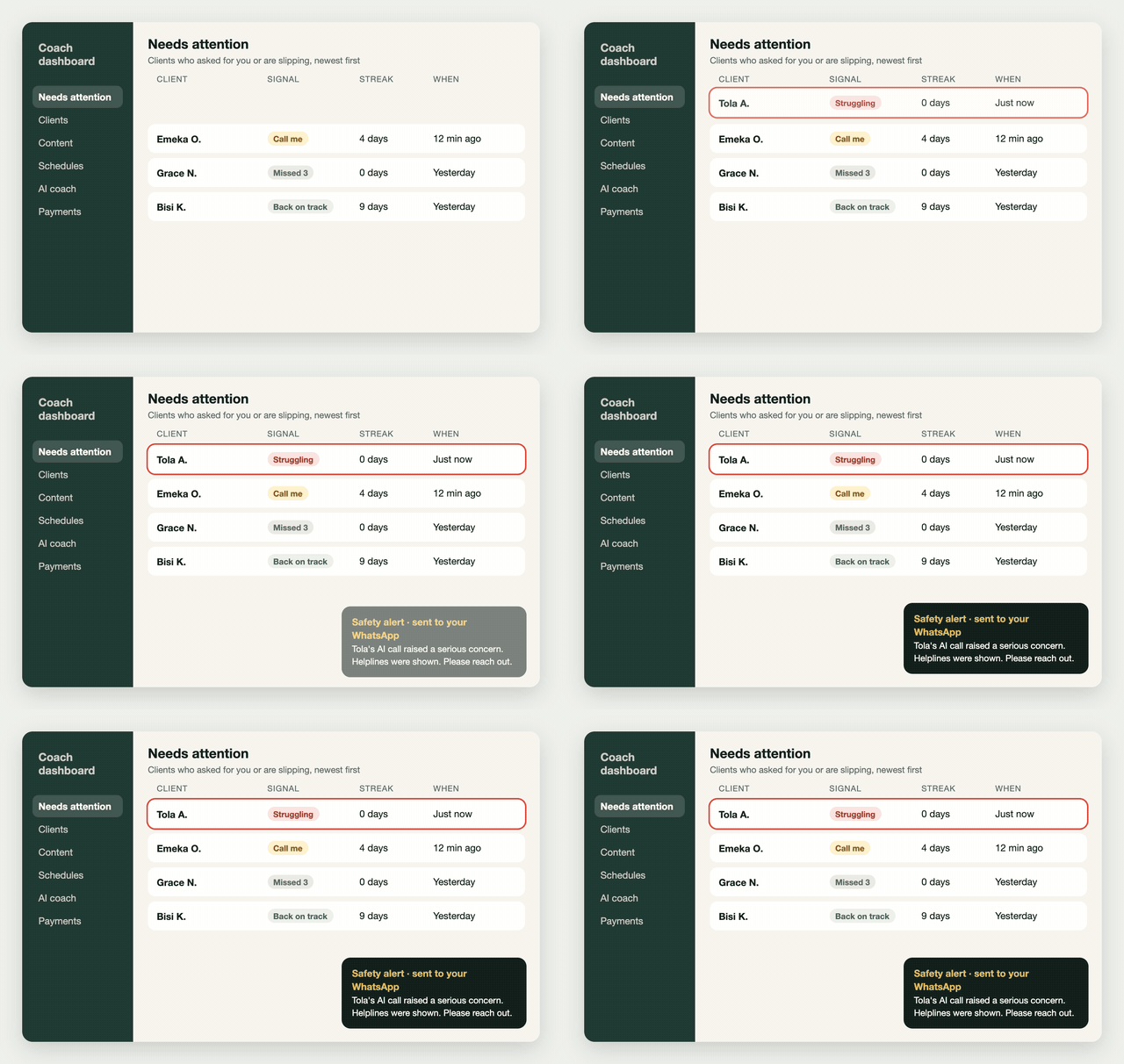
- The home screen puts "Struggling" and "Call me" replies at the top.
- Shows who has missed several check-ins in a row.
5Client progress
- For each client: rang, answered, how much they heard, their replies, their streak.
- AI call summaries: a few lines on what was talked about after each call.
6Safety alerts
- If a client shows signs of a serious mental health crisis during an AI call, the AI stops coaching and shows helpline numbers.
- You get an instant WhatsApp or SMS alert so you can reach them yourself.
7AI coach setup
- Voice clone status, and the "brain": your style, phrases, methods, and what you'd never say.
- A Test call button so you can talk to your AI before any client does.
8Milestones
- Set when reviews happen and what they ask.
- Read each client's answers and progress card.
9Pricing and payments
- You set the price for each plan and for extra AI calls.
- See who has paid; payment starts as a payment link and moves to automatic billing later.
10Programs and client plans
- Build ready-made programs once, for example "21-day fitness reset" with suggested commitments and check-in times.
- Each client's page shows their plan; you can edit their goal and commitments at any time.
- You're notified when a client changes their plan, or an AI call changes it.
- Repeated "Struggling" replies suggest making a commitment smaller.
How the AI coach calls work
The premium feature: a live talk with a version of you that clients know is AI.
| Your voice | You record from a script we prepare, plus some natural talking (a session or video, with permission). Different tones: warm, firm, excited, calm. |
| Your "brain" | Your style, catchphrases and methods, written up from interviews with you. You review it and test it before clients hear it. |
| Honesty | Always labelled as your AI. Clients know before they answer. |
| Safety | Signs of a serious crisis: it stops coaching, shows helplines, and alerts you at once. No medical, legal or money advice. |
| Length | Up to 7 minutes max per call. |
| How often | One a week on Premium. Clients can pay for more. |
| Missed calls | Retries on a schedule, then a Call back button. |
| Cost | About $0.56 per 7-minute call in AI fees. We'll bring you the full running cost; you set the final price. |
Questions for you
Your answers here shape the build most. A short comment on each is plenty.
- Do your clients follow a set program, or is every client's plan different?
- Who sets a client's plan: you in the dashboard, the client in the app, or you build programs and the client adjusts them (our suggestion)?
- Should affirmations ring like a call every day, or become a quiet notification after the first week?
- Should affirmations be the same for everyone, or matched to each client's goal?
- When a client taps Struggling, what should happen: a flag for you, or an AI call straight away for Premium clients?
- What counts as a milestone: fixed days (7, 30, 90), achievements like a 21-day streak, or both?
- Are you comfortable with a voice clone, and with how it's presented to clients?
- What should happen when a client stops paying: cut off at once, or a grace period?
- Is anything missing that you'd expect your clients to ask for?